Geo-tagging My Photographs –
My recent work digitising old film negatives has made me realise something I had largely overlooked in my modern photography—the value of geo-tagging.
It has been great fun trying to rediscover where some of those old images were taken, using search engines, memory, and a bit of detective work. But it has also made me realise how much easier it would have been if the location had simply been recorded at the time I pressed the shutter.
Of course, that was never going to happen with a strip of analogue film. But with digital photography, I don’t really have that excuse.
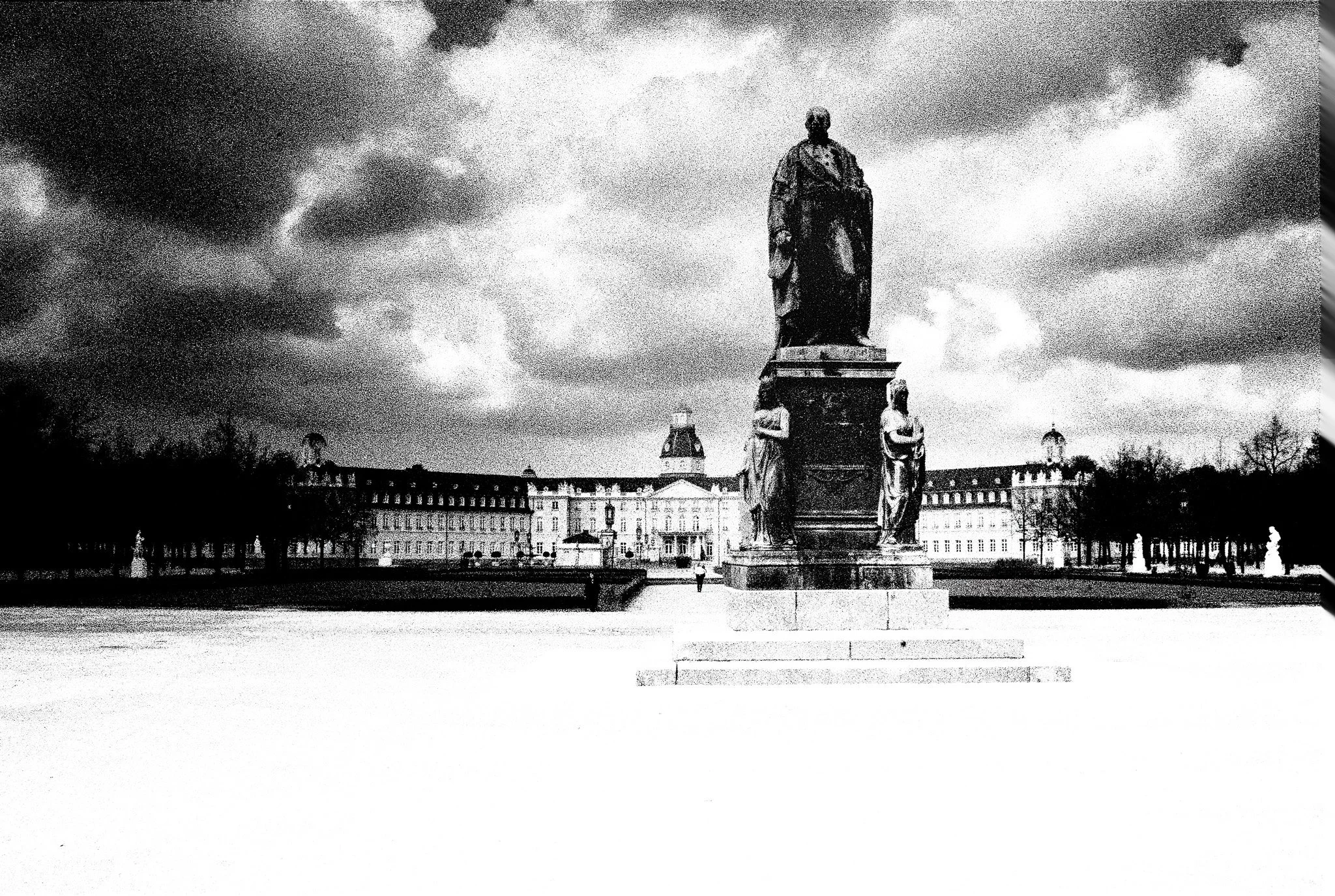
Monument to Grand Duke Karl Friedrich of Baden, data from ChatGPT,
Karl-Friedrich-Denkmal, Schlossgarten, Karlsruhe, Germany
What is Geo-tagging?
Every digital photograph I take contains metadata—information stored alongside the image. This includes camera settings, date, time, and potentially the location where the image was taken. When location data is included, this is known as geo-tagging.
I am beginning to appreciate just how useful this can be:
• I can search and organise my images by location
• It adds context and meaning to my photographs
• It helps me return to locations I want to revisit
• It makes my archive far more useful over time
Looking back at my old film images, I can see how valuable this would have been.
Why Mobile Photographers Have It Easy
When I take photos on my phone, all of this just happens automatically. As long as location services are switched on, every image is geo-tagged without me having to think about it.
It’s one of those rare occasions where the mobile photographers probably have the upper hand!
My Attempts with a “Proper” Camera
Using a traditional camera has not been quite so straightforward.
I have, on and off, used an iPhone app called PixTrack to record my movements during a shoot so I could later match locations to my images. In theory, this works well—but in practice, I have found it rather clumsy:
• I have to remember to start and stop the app
• My camera and phone clocks must be synchronised
• I need to switch into a different workflow to apply the data
• It does not sit comfortably with my Lightroom CC workflow
In short, it works—but it feels like hard work.
The “Official” Solution
There are dedicated GPS units available that mount on the camera hot shoe. They do the job neatly, but at a price (>£300) that made me hesitate. It felt like solving a simple problem with a rather expensive accessory.
The Simpler Solution
What I have now discovered is that I already had a solution in my pocket.
Many camera manufacturers provide mobile apps that connect your phone to your camera. I had only ever used mine as a remote trigger and occasional viewing screen, but it turns out it can also pass GPS data from my phone to my camera while I am shooting.
The initial setup took a bit of effort, but once configured it has been remarkably straightforward:
• I leave my phone in my pocket
• The camera receives location data automatically
• Every image is geo-tagged at the moment of capture
• The information is written directly into the image metadata
No syncing. No extra steps. No faff.
Why I Think This Matters
For me, this has quietly improved my workflow.
My images now arrive already geo-tagged, which means:
• I can search by location without any extra work
• Map-based views in Lightroom become genuinely useful
• My archive is becoming more meaningful over time
It also reinforces something I often mention in the club—that preserving metadata is important if we want our photographs to retain their full value when we store and share them .
Final Thoughts
Geo-tagging is not something I had previously paid much attention to but revisiting my old film images has changed that.
I now see it as part of the story of the photograph—not just what I saw, but where I saw it.
And if I can capture that automatically, without adding complexity to my workflow, then it feels like an obvious step forward.