- untouched 13
- Artificial Intelligence (AI) 5
- Photo library management 5
- featured photographer 4
- Camera Settings 3
- Essential IT Skills 3
- Post Production 3
- camera technique 3
- iPhone 3
- Monthly Themes 2
- Software 2
- composition 2
- photo sharing 2
- photographers 2
- Camera Controls 1
- Flickr 1
- General Interest 1
- Photobook 1
- Photography Thoughts 1
- challenges 1
- gallery 1
- meetings 1
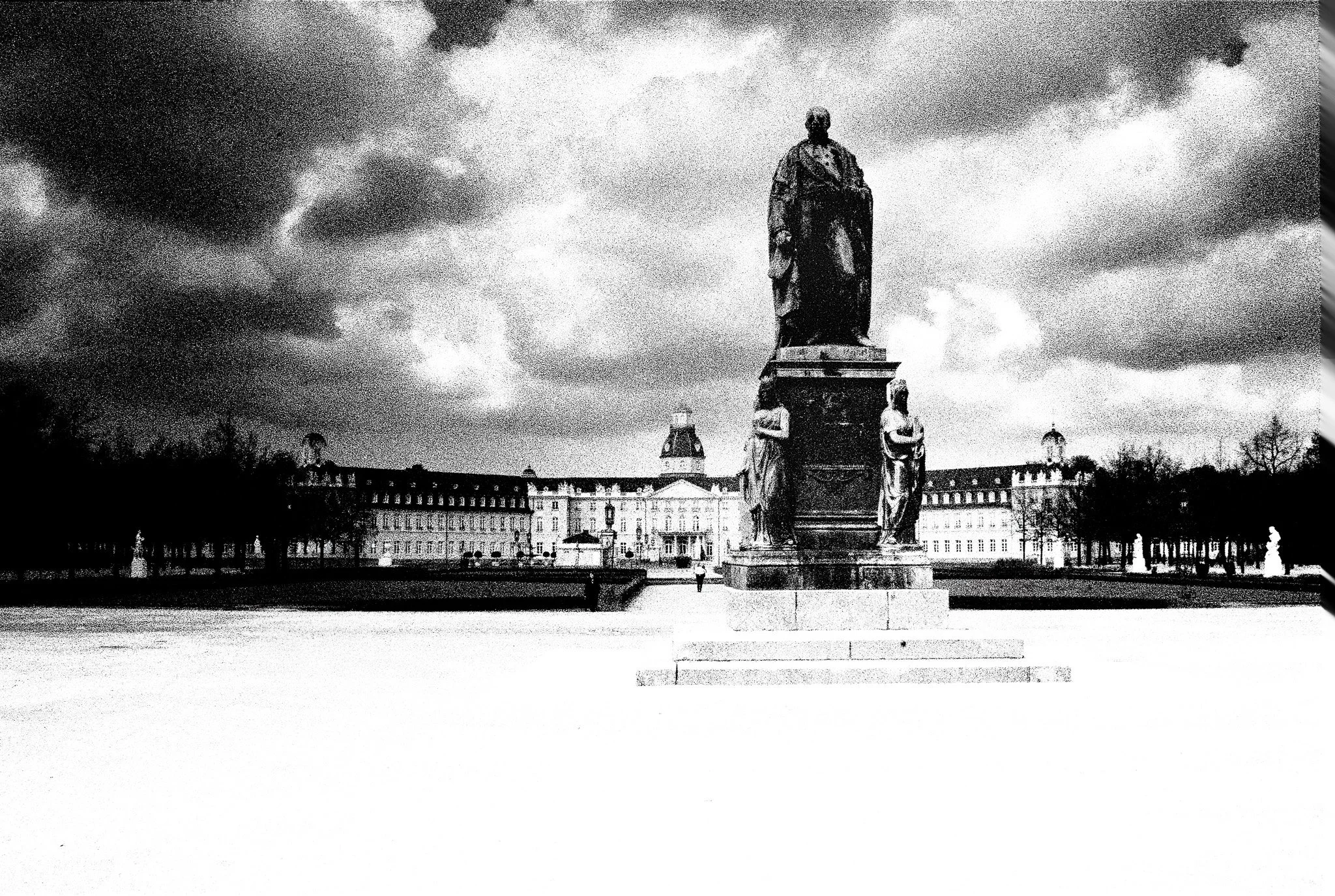
Geo-tagging My Photographs –
Geo-tagging is an often overlooked feature of digital photography that quietly adds long-term value to our images. While it is impossible to recover location data from old film photographs, modern workflows make it easy to embed this information automatically at the point of capture. By using a simple connection between camera and smartphone, I have been able to eliminate a previously cumbersome process and ensure every image now carries a record of where it was taken—making my archive more searchable, meaningful, and future-proof.
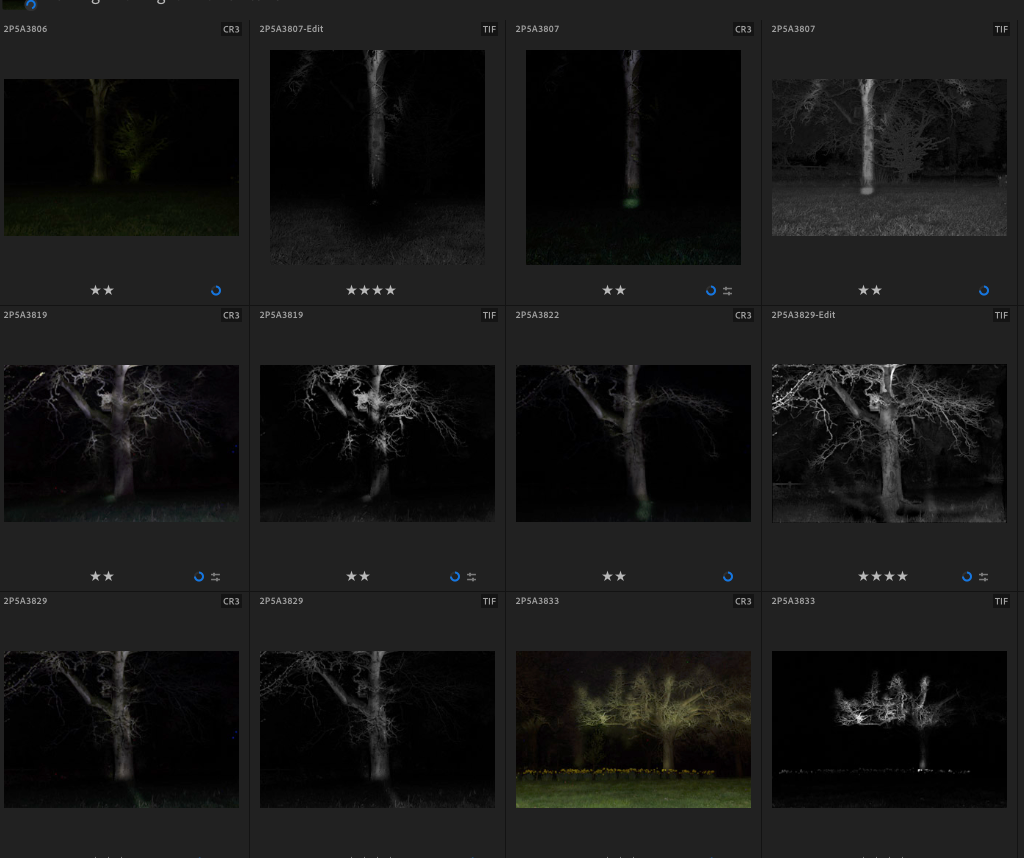
Photo Management - Culling and Filtering
A practical guide to managing your photos through structured culling and star-based filtering—helping you identify your best images, streamline your workflow, and build a strong personal portfolio over time.

How WGPC Members Can Share Photos with All Wadswick Green Residents
WGPC members often photograph village events and want to share their images with the wider community. The simplest method is to create a Google Photos album, make it shareable, and send the album link (and optional description) to the Residents’ Website editor, who embeds it on the site. This keeps full image quality, works on all devices, and doesn’t require non-WGPC residents to join Google or the club. iPhone users should turn off Live Photos and switch HEIC to JPEG for compatibility. Members only need to provide the album link — the editor handles embedding.

What’s In a Name?– Why Your Photographs Deserve a Title
A good title can turn a photograph into a story. It bridges what the photographer felt when pressing the shutter with what the viewer feels when they see the image. Titles give context, help people remember your work, reveal intent, and invite conversation.
Choosing a title doesn’t need to be complicated — keep it short, simple, and focused on mood rather than description. Use words that hint at the emotion or idea behind the image, and stay consistent within a series or panel. Subtle, poetic titles like “Before the Storm” or “Echoes of the Mine” invite imagination far more than literal ones.
Next time you upload to the WGPC album, try renaming one or two of your favourite shots — you may find that a few thoughtful words complete the photograph’s story.
Adding Location and Story Back Into Your Photos
Once you’ve rediscovered where a photo was taken, record that information permanently in the image’s metadata. This article explains how to add or edit location and captions directly on iPhone, Android, or Windows — so your digital archive carries its story wherever it goes.