- untouched 13
- Artificial Intelligence (AI) 5
- Photo library management 5
- featured photographer 4
- Camera Settings 3
- Essential IT Skills 3
- Post Production 3
- camera technique 3
- iPhone 3
- Monthly Themes 2
- Software 2
- composition 2
- photo sharing 2
- photographers 2
- Camera Controls 1
- Flickr 1
- General Interest 1
- Photobook 1
- Photography Thoughts 1
- challenges 1
- gallery 1
- meetings 1
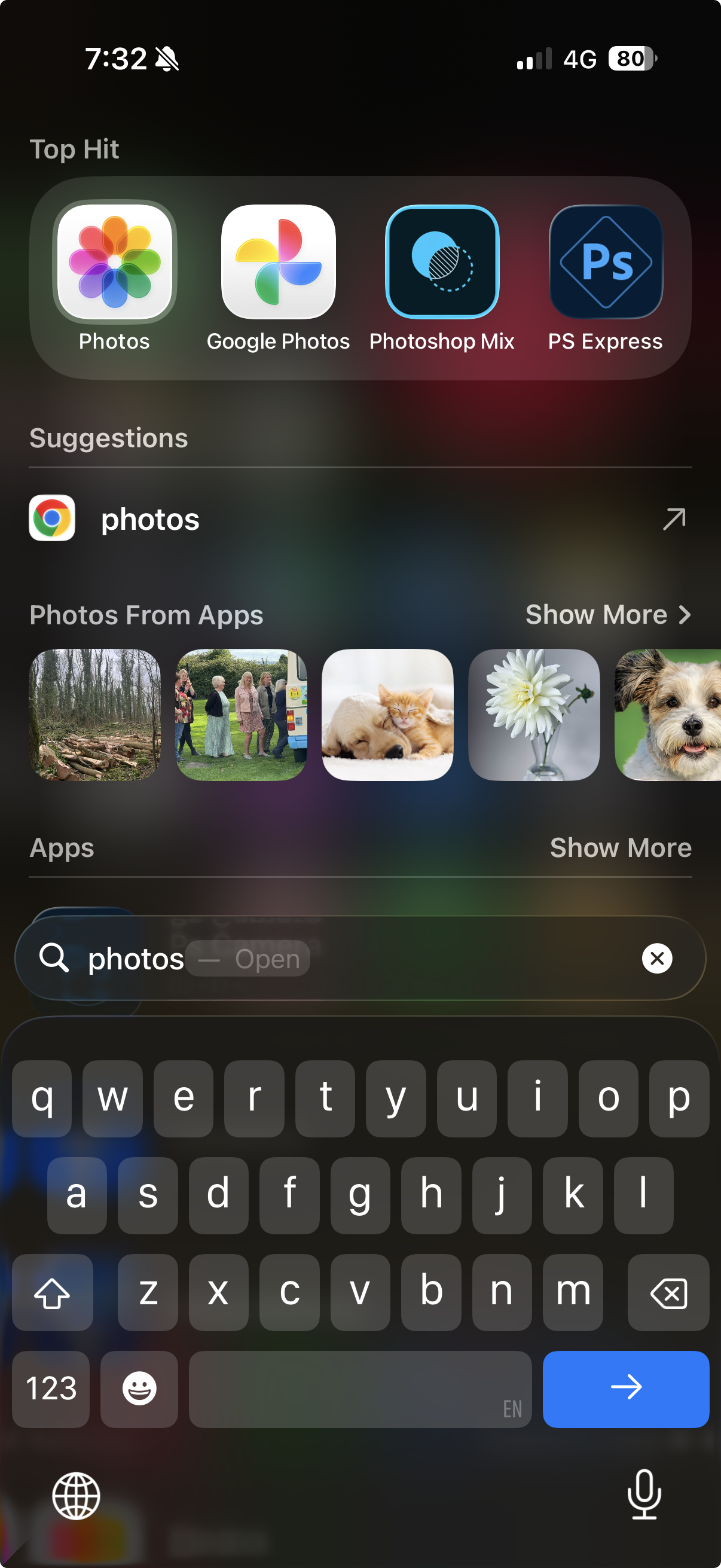
Stop Scrolling – Start Searching
A simple tip that can save a lot of frustration: instead of hunting through screens for apps that have moved or changed, use your iPhone’s search function—or even Siri—to find them instantly.
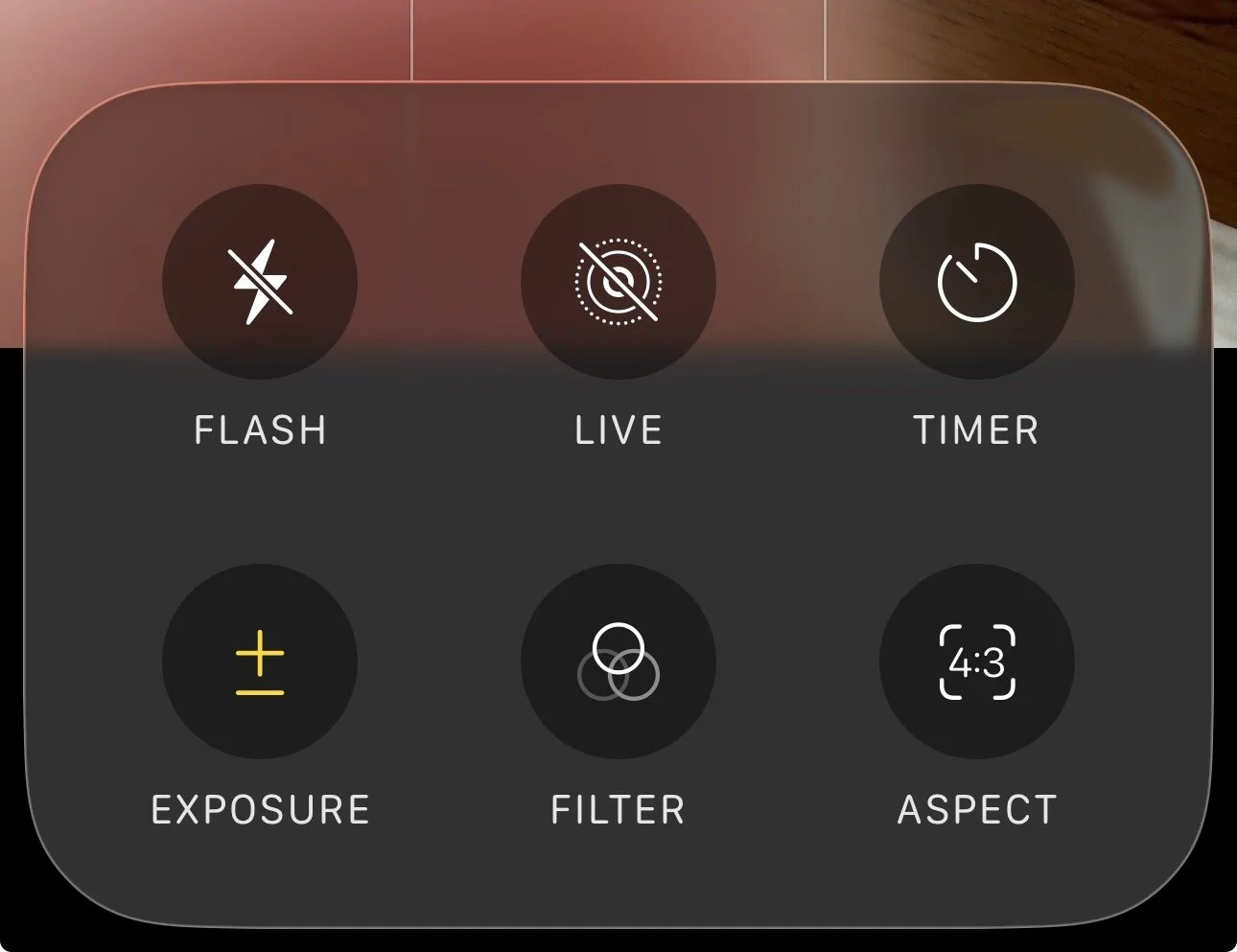
Just When You Were Getting Used To It
Just when you were getting used to it… Apple has changed the iPhone Camera app again.
The latest update doesn’t affect image quality, but it does change how you access familiar features like Portrait and Night mode. Some controls are now hidden behind taps and long-presses, making the app look simpler while actually becoming more complex. This article explains what’s moved, what still works as before, and why it may push some photographers towards alternative camera apps.
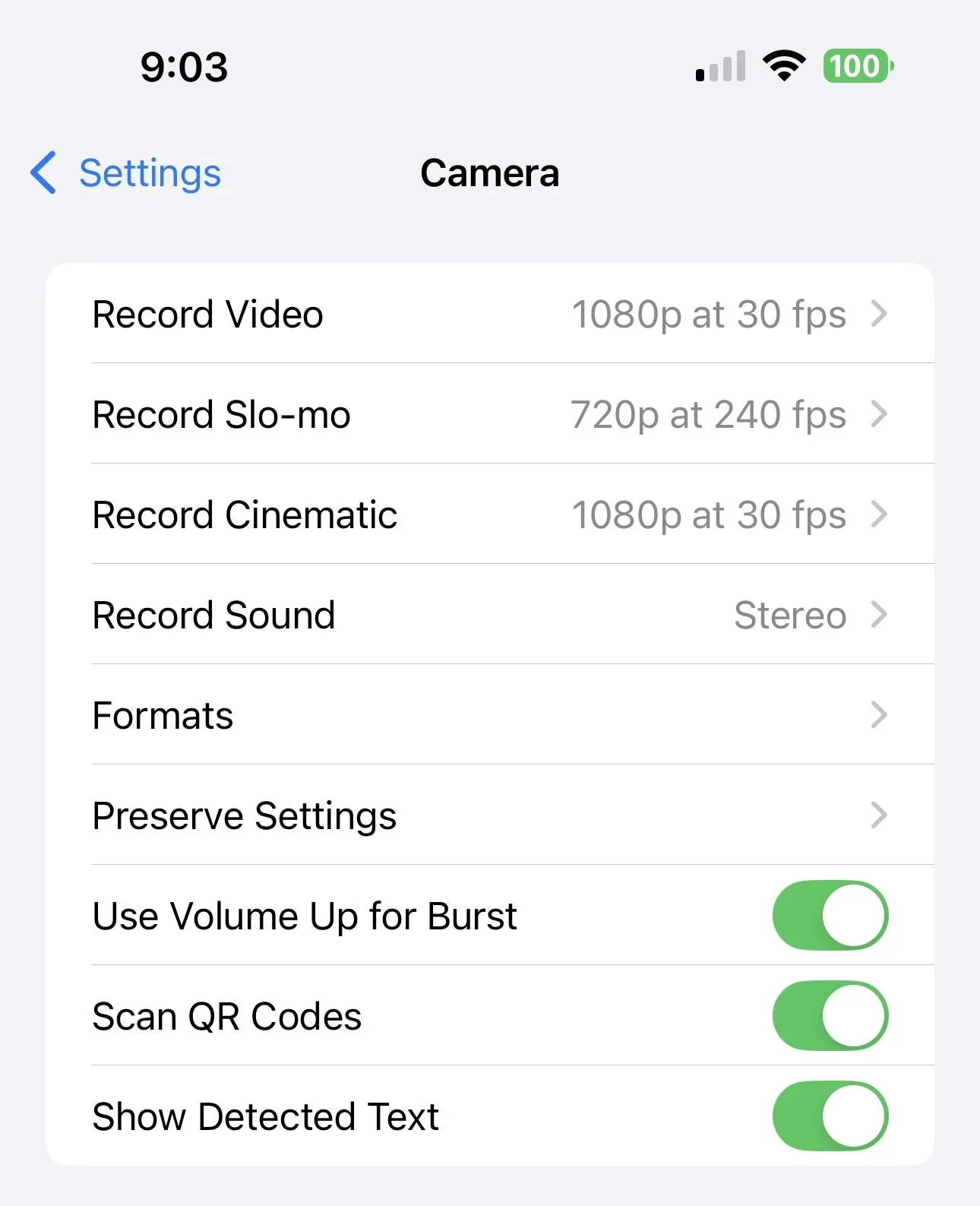
📱 iPhone Camera Settings — Part 1
This post begins a two-part guide to the iPhone Camera settings — explaining how to find the screen and what each option in the top half of the settings screen means.
It highlights how Apple’s default settings favour quick snaps rather than print quality, and why Preserve Settings is vital to keep Live Photos switched off so you don’t fill Google Photos with unwanted three-second video clips.