- untouched 13
- Photo library management 5
- Artificial Intelligence (AI) 4
- featured photographer 4
- Camera Settings 3
- Essential IT Skills 3
- camera technique 3
- iPhone 3
- Monthly Themes 2
- Post Production 2
- Software 2
- composition 2
- photo sharing 2
- photographers 2
- Camera Controls 1
- Flickr 1
- General Interest 1
- Photobook 1
- Photography Thoughts 1
- challenges 1
- meetings 1
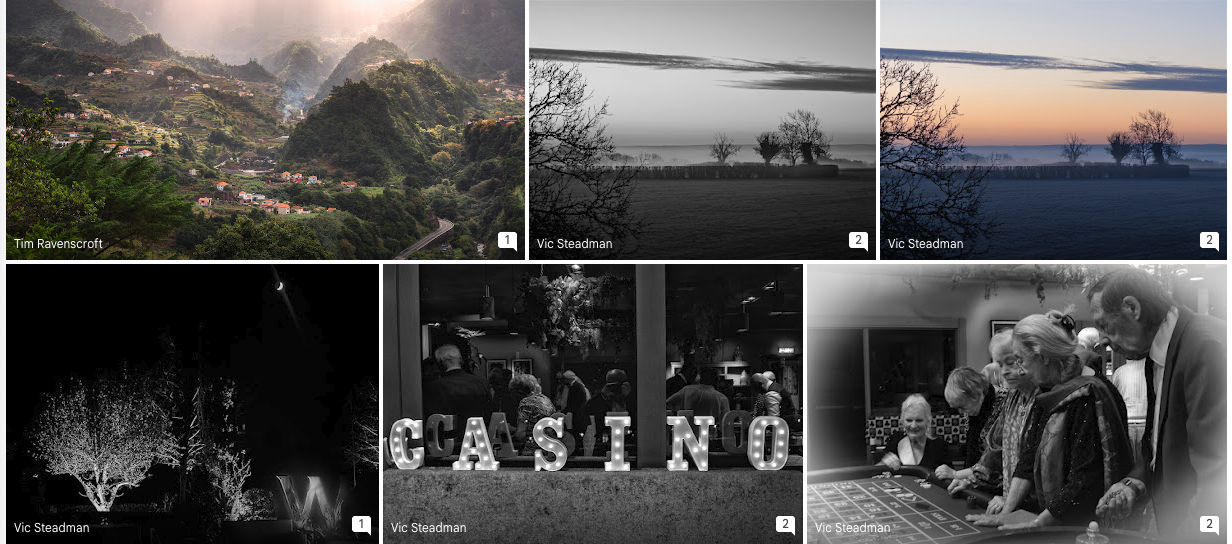
Untouched 27 Nov 2025
Our usual weekly AI critique from the upload folder. Not many this week, nearly all by Vic.
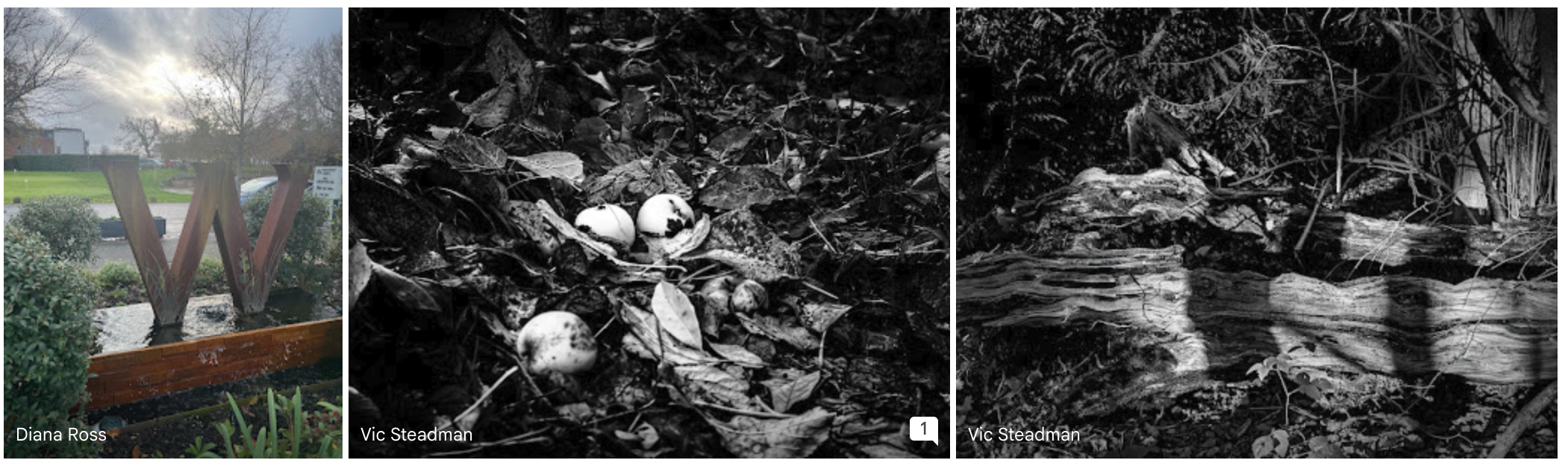
Untouched 20 Nov 2025
A smaller set of images this week, but full of variety and thoughtful seeing: Tim captured a dramatic seascape with beautifully timed shafts of light breaking through heavy cloud; Vic contributed an intriguing diptych exploring two very different monochrome interpretations of a winter oak, alongside a delicate study of woodland fungi and a richly textured fallen trunk; and Diana offered a cheerful seasonal view of the sculptural “W” on the green under a glowing winter sky. Together they show how even familiar subjects can reward patience, experimentation, and close observation.

How WGPC Members Can Share Photos with All Wadswick Green Residents
WGPC members often photograph village events and want to share their images with the wider community. The simplest method is to create a Google Photos album, make it shareable, and send the album link (and optional description) to the Residents’ Website editor, who embeds it on the site. This keeps full image quality, works on all devices, and doesn’t require non-WGPC residents to join Google or the club. iPhone users should turn off Live Photos and switch HEIC to JPEG for compatibility. Members only need to provide the album link — the editor handles embedding.
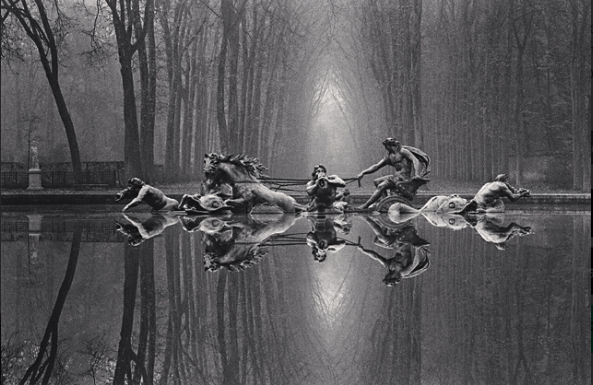
The Value of a Print in a Digital World
Studying mono photography with Simon Ellingworth has made me look more closely at how fine-art prints are made and priced. Photographers like Michael Kenna still hand-craft each darkroom print, dodging and burning individually so that no two copies are identical. This uniqueness—and the limited print run—adds significantly to their value.
Digital prints, by contrast, are identical once the editing is done, so their value comes from different things: the artistic vision, the editing craft, the quality of the printmaking, and the use of limited editions to maintain rarity. Many successful digital photographers now sell signed, numbered editions printed on archival papers, proving that digital work can be collected and valued just as highly.
📸 Framing — Using the Edges to Strengthen Your Images
This article explores the importance of framing in photography. A photograph is defined by its boundaries, and a good image uses those edges to guide the viewer’s eye and keep attention within the frame. Different genres use framing differently — for example, portraits avoid cutting through people, while street photography often embraces edges that slice across figures to create hierarchy and immediacy. The piece also highlights the power of internal frames such as windows, arches and tree branches to add depth, structure and visual focus. Mastering framing helps create more deliberate, engaging photographs.
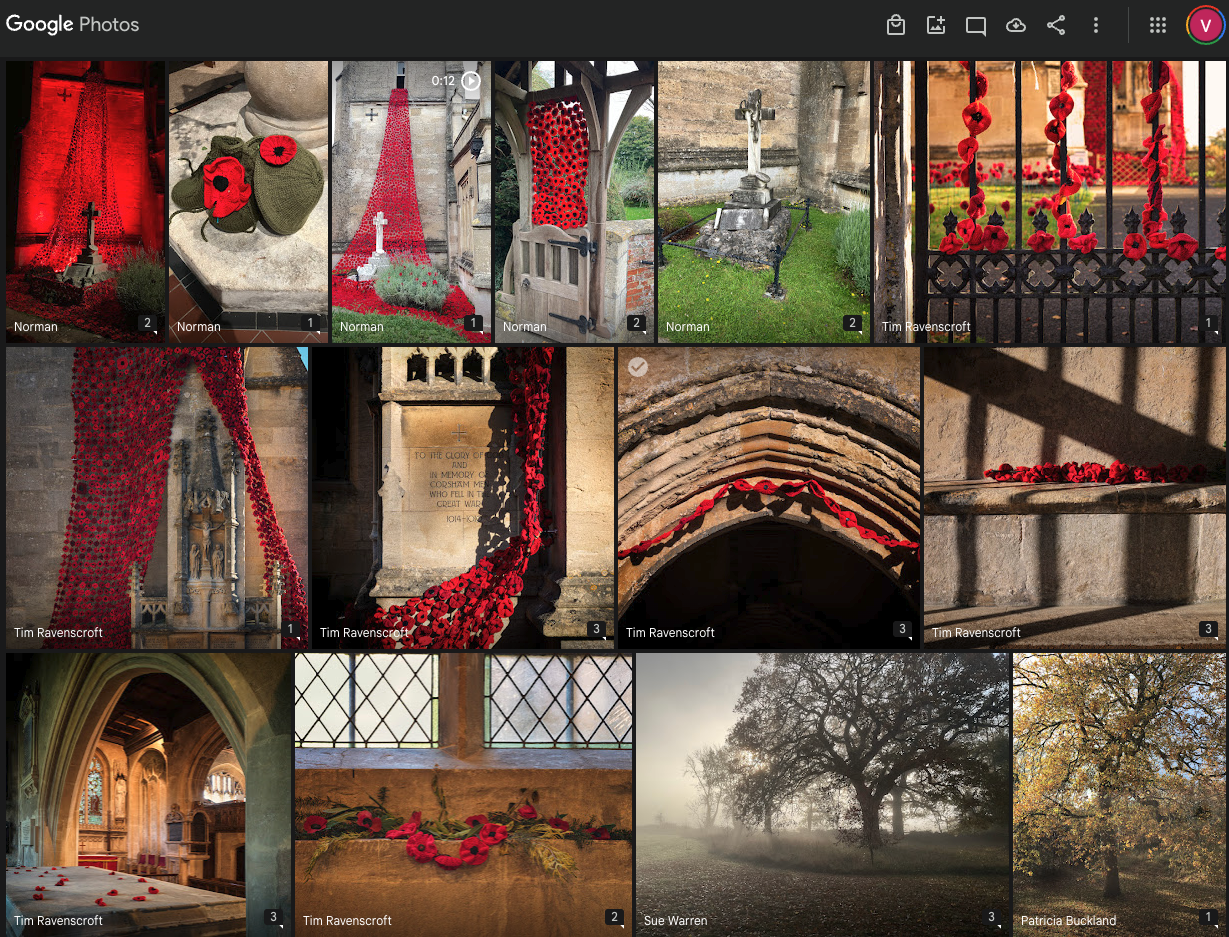
“Untouched” - 13 Nov 25
Our weekly Thursday look at the upload folder with an AI critique on each of them. Plus, this week, the AI tool also took it upon itself to do a general review of each contributor’s work, I left it in, in keeping wiyj my “untouched by human hands” policy.
Untouched 6 Nov 25
Chat GPT review of upload folder submissions up to Thur 6 Nov. Untouched by human hands.

What’s In a Name?– Why Your Photographs Deserve a Title
A good title can turn a photograph into a story. It bridges what the photographer felt when pressing the shutter with what the viewer feels when they see the image. Titles give context, help people remember your work, reveal intent, and invite conversation.
Choosing a title doesn’t need to be complicated — keep it short, simple, and focused on mood rather than description. Use words that hint at the emotion or idea behind the image, and stay consistent within a series or panel. Subtle, poetic titles like “Before the Storm” or “Echoes of the Mine” invite imagination far more than literal ones.
Next time you upload to the WGPC album, try renaming one or two of your favourite shots — you may find that a few thoughtful words complete the photograph’s story.


How to Photograph Fireworks
With the Greenhouse firework display on Wednesday, here are quick tips for both camera and phone users.
For cameras: use a tripod, ISO 100–200, aperture f/8–f/11, shutter 2–6 sec, and focus on infinity. Press the shutter as fireworks rise, not when they explode.
For phones: hold steady, turn off flash, reduce exposure slightly, and use burst or video mode to capture the best frames.
Project Indigo users: switch to Night Mode, lock focus on a distant light, and lower exposure (–1 EV) to keep colour detail.
However you shoot, leave room in the frame, include silhouettes for atmosphere — and remember to look up and enjoy the show!

Affinity Photo Is Now Free — A Great New Tool for WGPC Members
The powerful photo-editing app Affinity Photo has just become completely free as part of the new Affinity Studio suite. It’s a great entry point into post-production for club members using computers — ideal for creating collages, photo panels, or print layouts. Together with Canva, it gives us easy-to-use tools for editing and desktop publishing without any subscription cost.

Basic Colour Theory — Seeing the World in Red, Green and Blue
I take a step back from monochrome images themselves to look at how our cameras see colour. Understanding this helps explain the key difference between traditional black-and-white photography, which worked entirely in tone, and contemporary digital mono, which begins in colour and allows each channel to be controlled independently. Modern black-and-white photography isn’t simply “colour removed” — it’s colour re-imagined.

Weekly AI Image Review 23 Oct
This week’s gallery celebrates the art of seeing patterns and order in everyday life. From buttons and plates to bridges and benches, members found structure, rhythm, and design in ordinary places. Several images show how repetition and geometry can create harmony, while others — like the autumnal Palladian bridge or the moody fantasy landscape — remind us that atmosphere and framing can transform a scene from familiar to memorable.
Collectively, these photographs demonstrate growing confidence in composition and an awareness of how light, balance, and viewpoint shape the story a picture tells. It’s a fine reminder that photographic interest isn’t about what we see, but how we choose to see it.
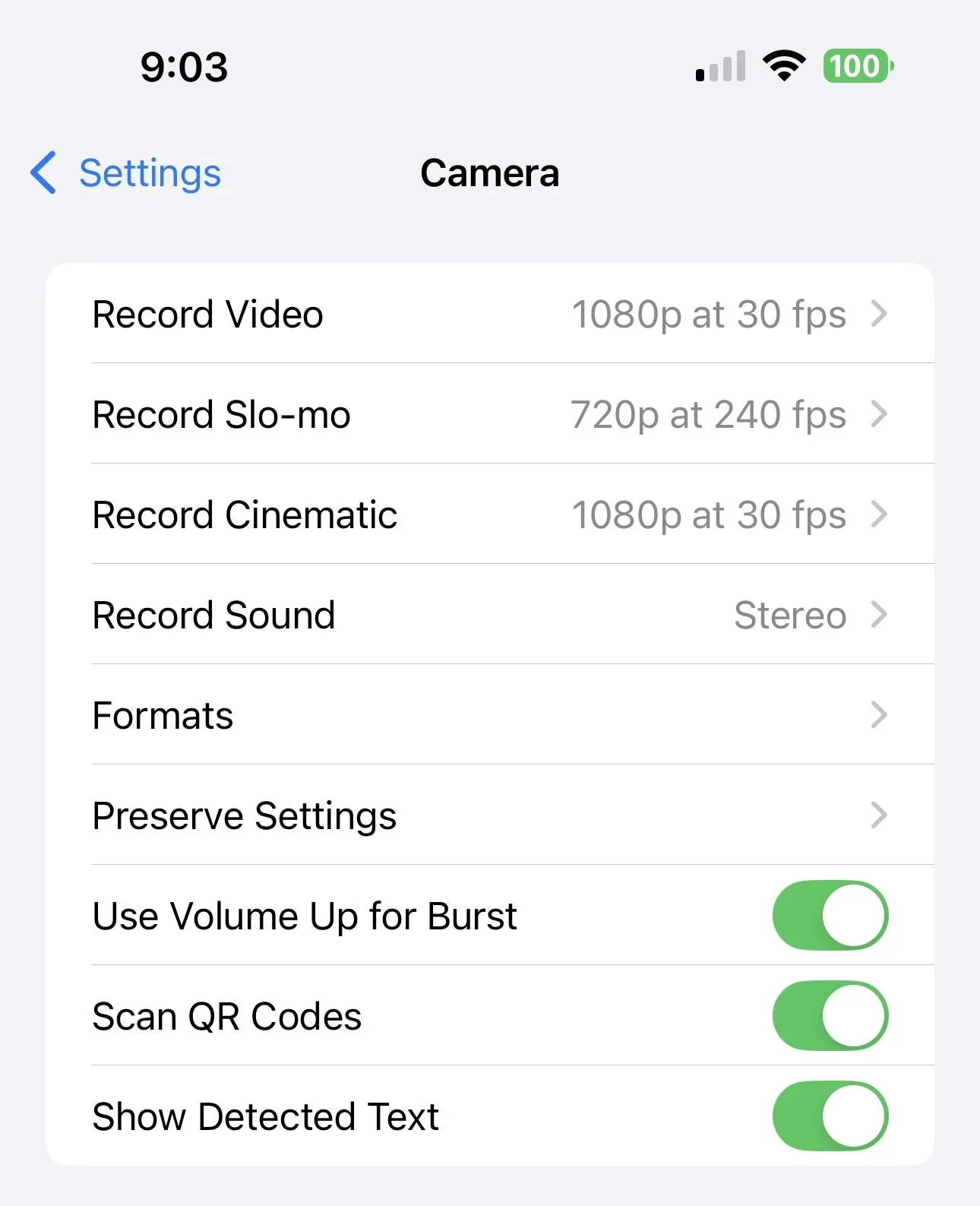
📱 iPhone Camera Settings — Part 1
This post begins a two-part guide to the iPhone Camera settings — explaining how to find the screen and what each option in the top half of the settings screen means.
It highlights how Apple’s default settings favour quick snaps rather than print quality, and why Preserve Settings is vital to keep Live Photos switched off so you don’t fill Google Photos with unwanted three-second video clips.

What Is an App (and How To Install One).
Many of us use apps every day without realising it — every icon on your phone is one. This post explains what an app is, how to install one on iPhone or Android, and why photographers often use extra camera apps like Project Indigo for specific purposes.

When AI Looks Real
For the photorealism class, I used two of my own recent photographs — a night-lit shed and a solitary bench — as tests to see how accurately Adobe Firefly could recreate them from text prompts. Using ChatGPT to refine the descriptions, I produced AI versions that look convincingly real; in fact, I prefer the AI version of the bench for its subtle tonal atmosphere.
This experiment raises deeper questions. These images depend on photographic skill but are not photographs. I can ethically use my own work as source material, but what if someone else used my images to generate theirs? AI brings new creative possibilities — and new responsibilities — as we redefine what originality and authorship mean in a photographic world increasingly shaped by algorithms.

Fantasy Through Fire and Stone
The RPS Digital Imaging Group recently ran a light-hearted competition on creative uses of AI, inviting members to produce photorealistic or fantasy images. I chose to extend my Tolkien-inspired mining series with two imagined scenes — The Fields of Mordor and Khazad-dûm. Using ChatGPT to craft descriptive prompts and Adobe Firefly to generate visuals, I refined each image before final editing in Photoshop.
These works aren’t photographs in the traditional sense, but they retain a photographic quality — shaped by choices of light, composition, and mood. AI, rather than replacing photography, offers photographers a new way to visualise and express imagination — expanding the boundaries of what a photographic image can be.

File Format: Why Camera Settings Matter More Than You Think
Check Your File Format – It Matters!
This week’s blog revisits a frequent source of frustration: image file types. Whether you shoot with a phone or a camera, your file format determines how well your photos can be edited, printed, and shared. JPG is convenient but lossy, TIFF is best for print, HEIC (Apple’s default) causes sharing problems, and RAW or DNG preserve the most quality.
Before your next shoot, take a minute to check your settings — turn off Live Photos and HEIC, select high-quality JPG or RAW + JPG, and make sure your colour space is sRGB. It’s a small habit that keeps your work compatible, archive-ready, and exhibition-worthy.

Weekly Look at the Upload Folder
A new Initiative introduced this week.
Review of the upload folder and constructive criticism by ARTIFICIAL INTELLIGENCE!
I have pointed ChatGPT at our shared folder and asked it to select 6 images to discuss with the club. It is not a competition, nor is it a league table, and the results are untouched by human hand (me) other than to publish it. It is hosted on the blog for ease of publication and readability.

Adding Location and Story Back Into Your Photos
Once you’ve rediscovered where a photo was taken, record that information permanently in the image’s metadata. This article explains how to add or edit location and captions directly on iPhone, Android, or Windows — so your digital archive carries its story wherever it goes.